Users will need to log in and on the homepage hit the blue button “Claim Rangs” under the Goals section.
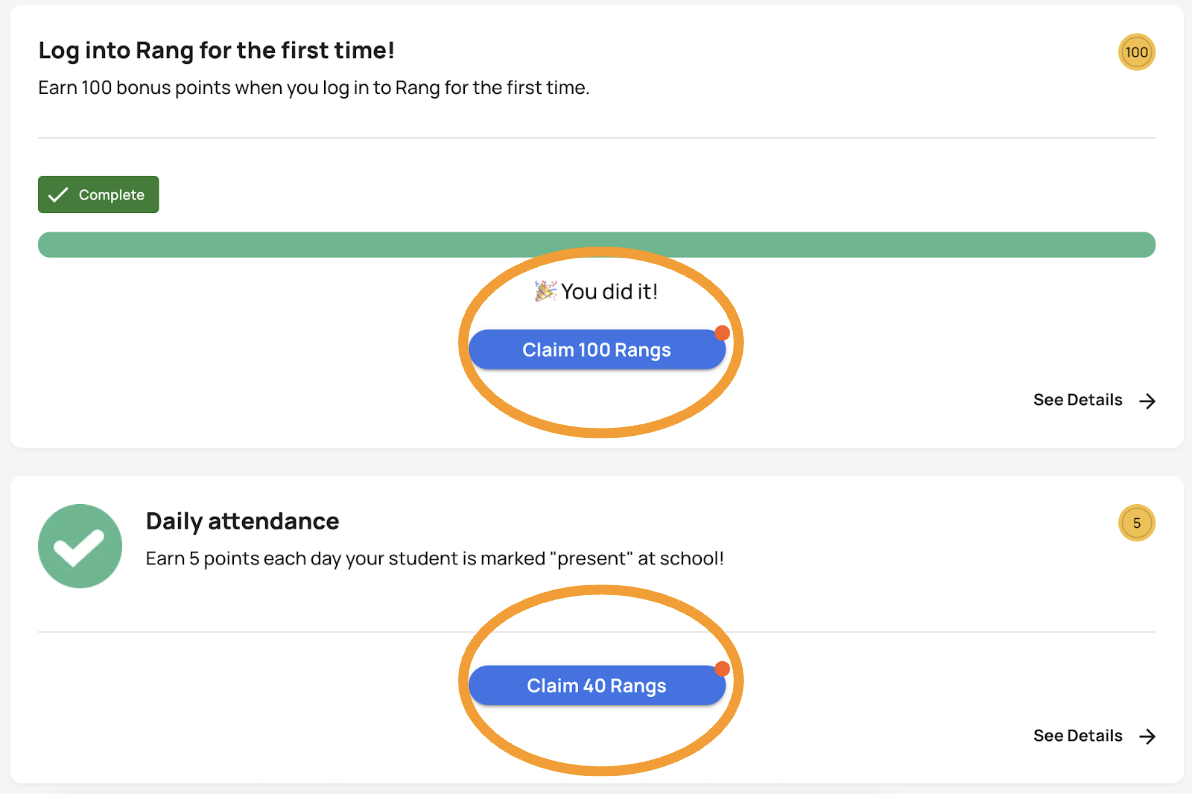
Once you claim your Rang points, they will be available to use in your Rang balance at the top of the home screen!
*Please note that you need to accept attendance goals before they begin in order to take part in them!
Was this article helpful?
That’s Great!
Thank you for your feedback
Sorry! We couldn't be helpful
Thank you for your feedback
Feedback sent
We appreciate your effort and will try to fix the article